Convert PDF to Anki Flashcards
Upload any PDF and get a ready-to-import Anki deck in seconds. No manual card creation needed.



Why Use Ankify to Convert PDF to Anki?
Stop spending hours creating flashcards by hand. Upload your PDF and let the AI do the extraction, formatting, and organization — you just review and study.Any PDF Format
Textbooks, lecture slides, research papers, and scanned documents — including handwritten notes via OCR.
Full Preview & Edit
Review every card before exporting. Edit, delete, or refine any card in the built-in editor.
Native .apkg Export
Downloads as a native Anki .apkg file — import directly into Anki desktop in one click.
How to Convert PDF to Anki Flashcards
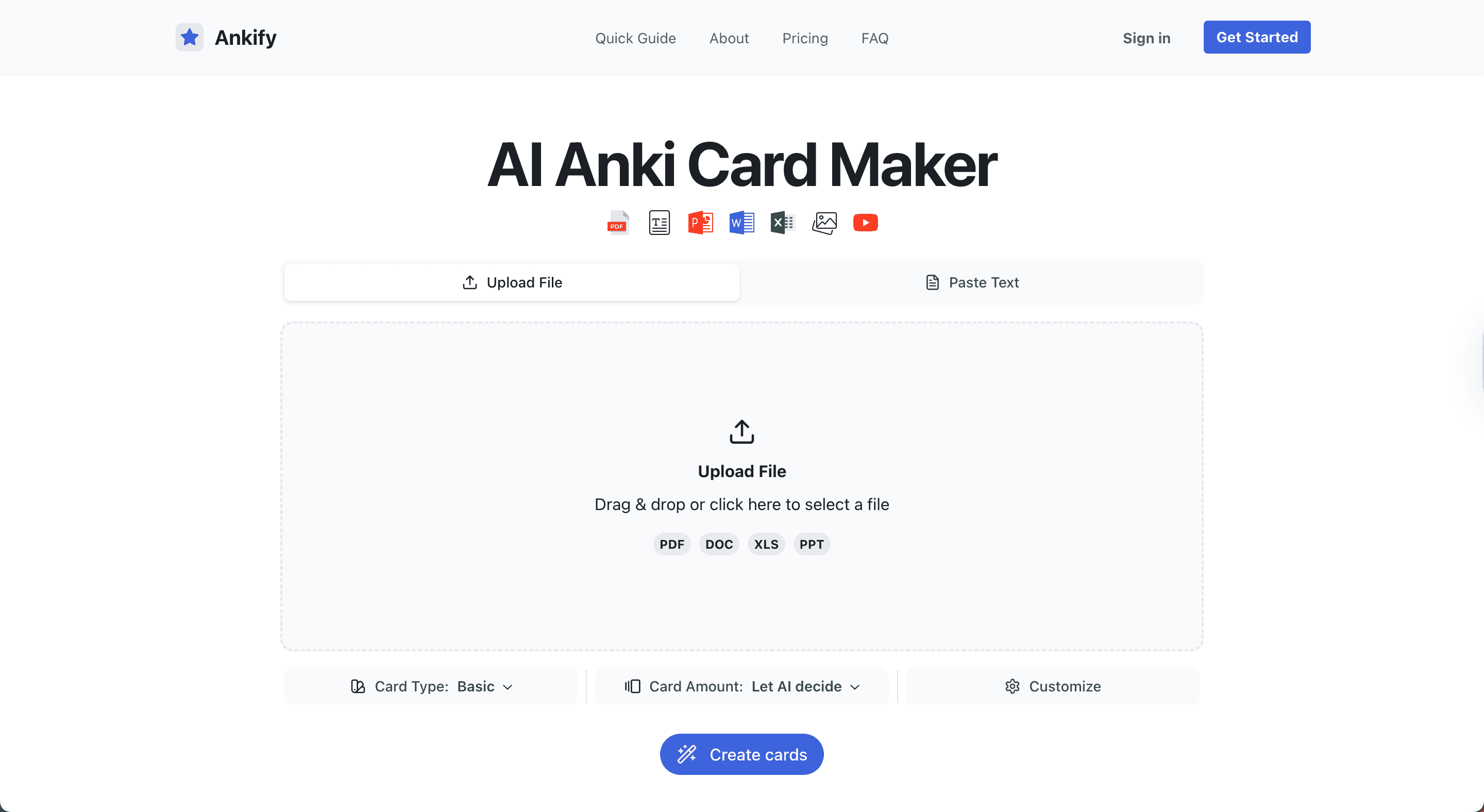
Upload your PDF
Drop in a textbook chapter, lecture PDF, or scanned document.
AI generates flashcards
Ankify's AI extracts key concepts and formats them as Basic, Cloze, or Multiple Choice cards.
Preview and edit
Review every card, make changes, and approve the deck before exporting.
Download and import into Anki
Download the .apkg file and import it into Anki desktop — ready to study immediately.
Frequently Asked Questions
Can Ankify convert scanned PDFs?
Yes. Ankify uses OCR to read scanned and image-based PDFs, including documents with handwritten content.
What PDF size is supported?
You can upload PDFs of any size. Larger files may take a few extra seconds to process.
Does it understand medical or scientific content?
Yes. Ankify's AI handles specialized terminology across medicine, science, law, and other fields accurately.
What card types does it create from a PDF?
Ankify generates Basic (Q&A), Cloze deletion, and Multiple Choice cards from your PDF content.
Is it free to convert a PDF to Anki?
Yes. You get 100 free cards to start with no credit card required. Additional cards are available as a one-time credit purchase — credits never expire.
Related Guides

How to Convert PDF to Anki Flashcards Instantly with Ankify
Stop creating Anki flashcards manually. Upload your PDF to Ankify and get a ready-to-import Anki deck in seconds.
How to Use Ankify to Turn Files Into Anki Flashcards Fast (Complete 2026 Guide)
Learn how to use Ankify to convert PDFs, documents, and slides into high-quality Anki flashcards using AI. This complete 2026 guide shows how to build effective Anki decks in minutes.
How to Convert Any PDF to Anki Flashcards in Minutes (No Manual Typing Needed)
Tired of manually turning your notes into Anki cards? Learn how to convert any PDF into an Anki deck instantly using Ankify.