Convert Lecture Slides to Anki Flashcards
Upload your PowerPoint or PDF slides and get a ready-to-study Anki deck in seconds.





What Makes Ankify the Best Slides-to-Anki Tool?
Stop manually copying slide content into Anki. Upload your lecture deck and let the AI extract, format, and organize everything — you just review.All Slide Formats
PowerPoint (.pptx), Google Slides (export as PDF), Keynote, and scanned slide PDFs.
Full Preview & Edit
Review every card before exporting. Edit, delete, or refine in the built-in card editor.
Full Lecture in Minutes
Convert an entire lecture deck into Anki cards faster than it takes to watch the recording.
How to Convert Lecture Slides to Anki Flashcards
Upload your slides
Drop in a .pptx file or export Google Slides / Keynote as PDF and upload that.
AI reads each slide
Ankify processes every slide and extracts key facts, definitions, and concepts as flashcards.
Preview and edit
Review every card and make any changes before exporting — you stay in full control.
Download and import into Anki
Download the .apkg file and import into Anki desktop. Start reviewing immediately.
Frequently Asked Questions
Can I upload PowerPoint (.pptx) files directly?
Yes. Ankify supports .pptx files directly, as well as Google Slides and Keynote files exported as PDF.
Does it extract text from images in slides?
Yes. Ankify uses OCR to read text embedded in images within your slides, including diagrams with labels.
How many slides can I upload at once?
You can upload full lecture decks of any size. Processing time scales with the number of slides.
What if my slides are mostly images or diagrams?
Ankify extracts text from images using OCR. For heavily visual slides, you can use Cloze or image-based card types to cover diagram content.
Is it free to convert slides to Anki flashcards?
Yes. You start with 100 free cards — no credit card required. Additional credits are a one-time purchase and never expire.
Related Guides

How to Convert PDF to Anki Flashcards Instantly with Ankify
Stop creating Anki flashcards manually. Upload your PDF to Ankify and get a ready-to-import Anki deck in seconds.
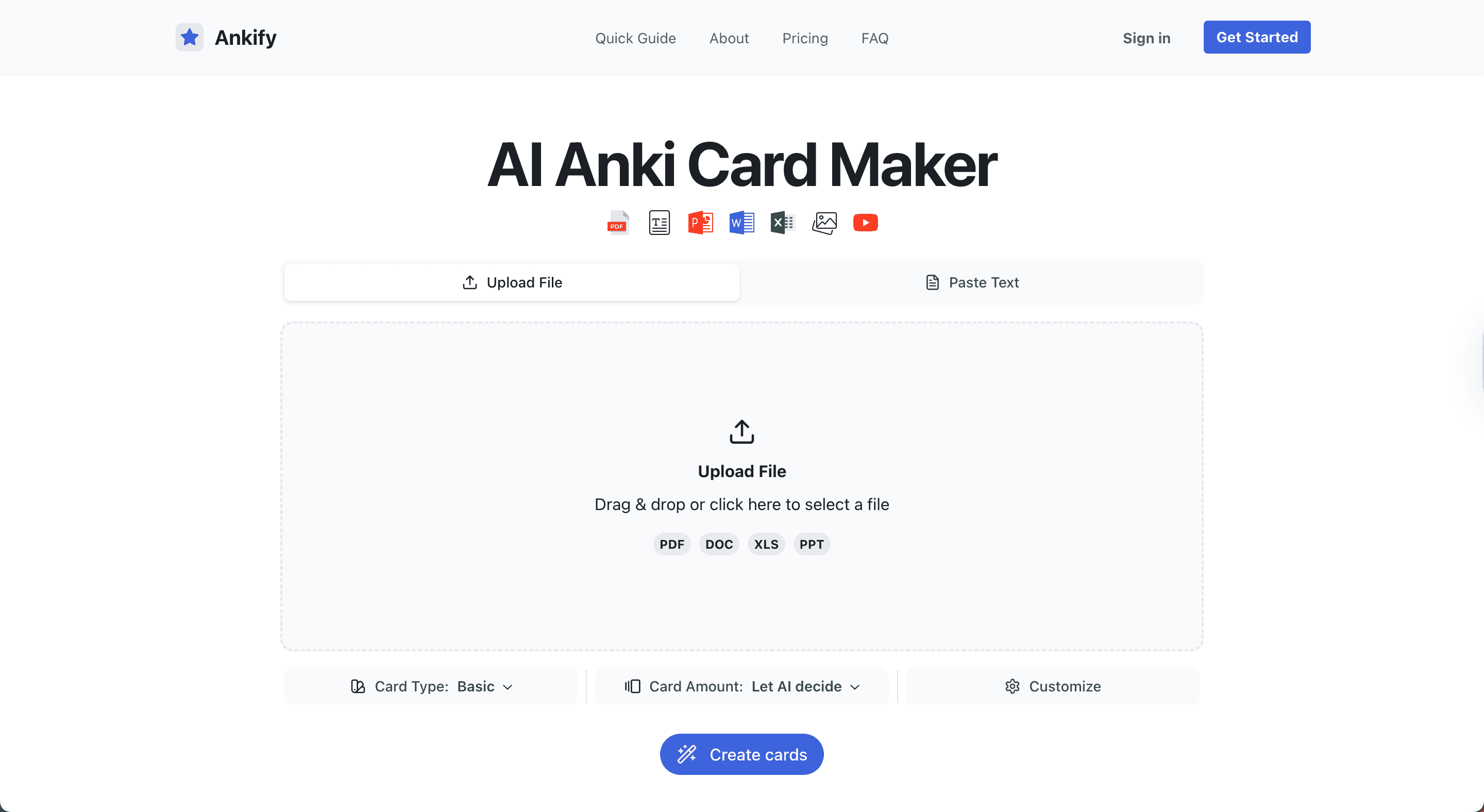
How to Use Ankify to Turn Files Into Anki Flashcards Fast (Complete 2026 Guide)
Learn how to use Ankify to convert PDFs, documents, and slides into high-quality Anki flashcards using AI. This complete 2026 guide shows how to build effective Anki decks in minutes.

Turn Your Study Notes into Anki Flashcards with AI
Stop typing flashcards manually. Learn how to turn your personal notes into Anki decks using AI with Ankify.